How to create and select the trainer profile
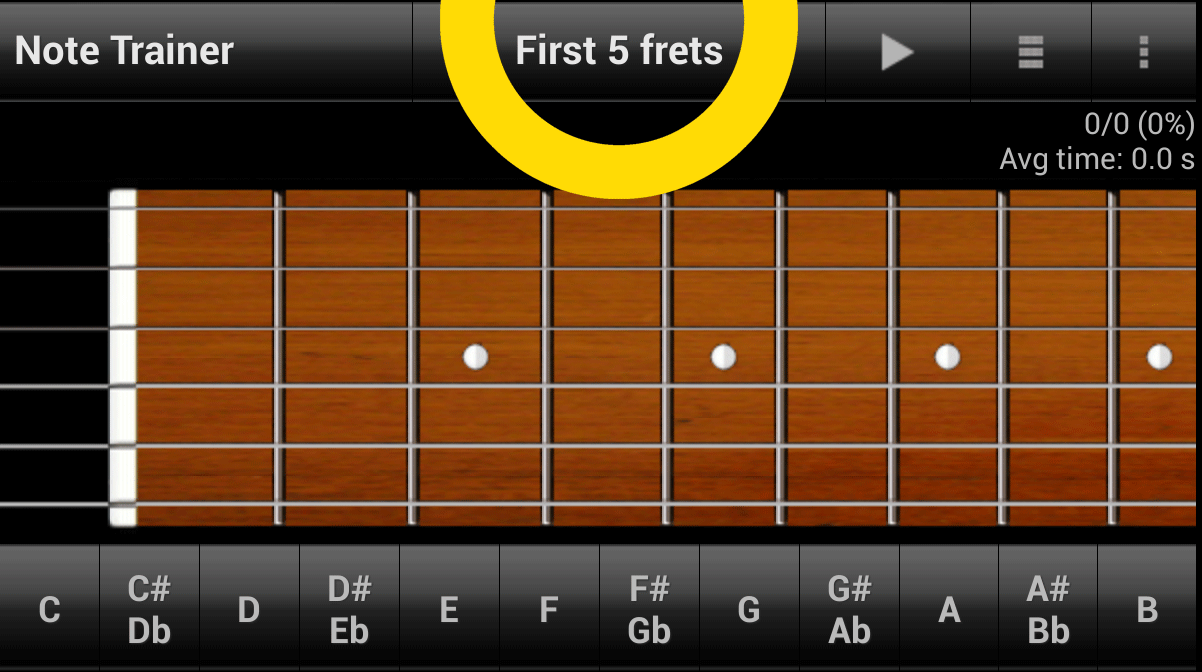
In the Note Trainer mode click on the button that displays the name of the current trainer profile.
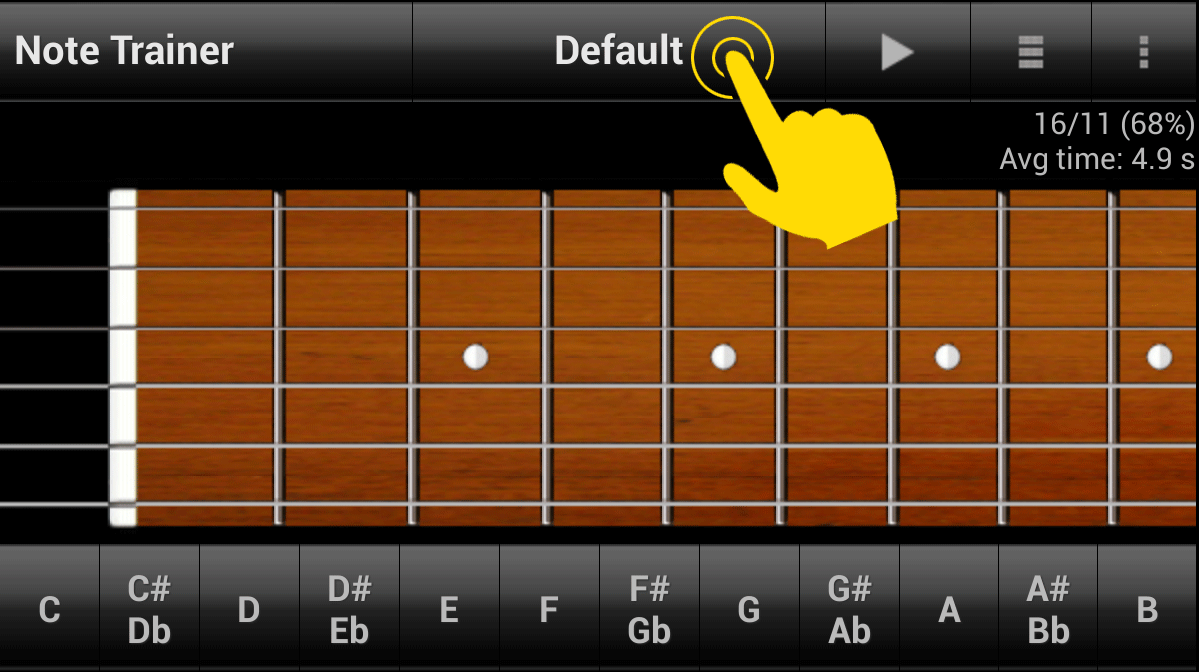
Initial, there is only the Default trainer profile in the list. The Default trainer profile can not be modified or deleted.
The fist way:
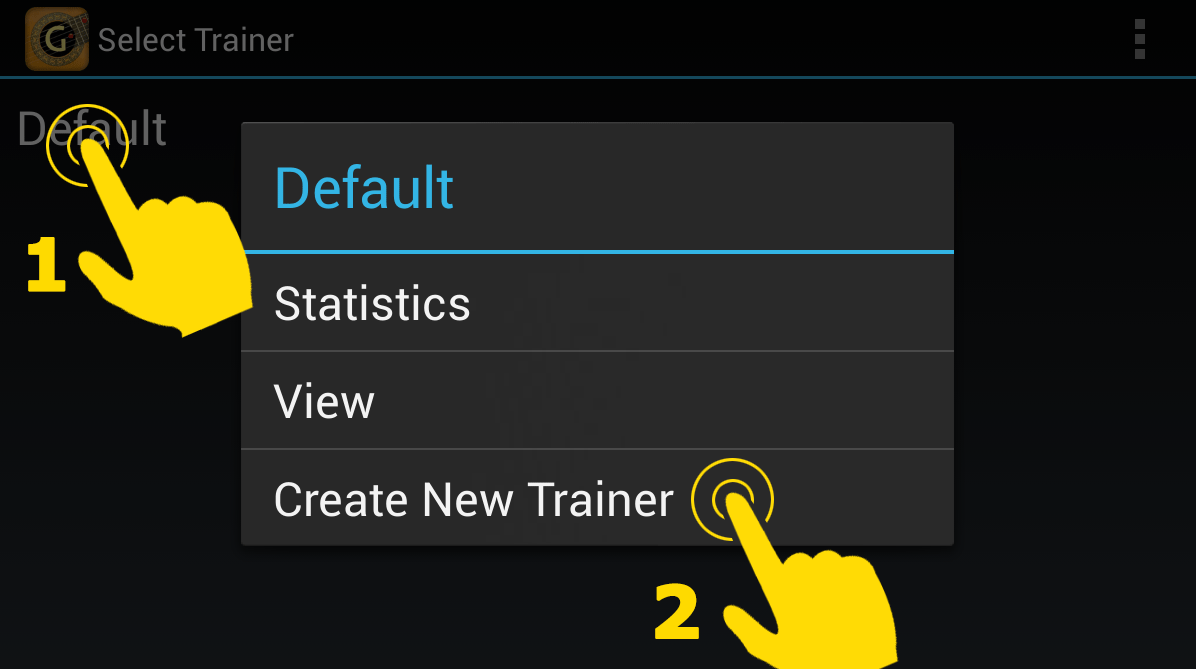
1. Press and hold on the element "Default" for opening the context menu of this item.
2. Select the option for creating a new trainer profile.
The second way:
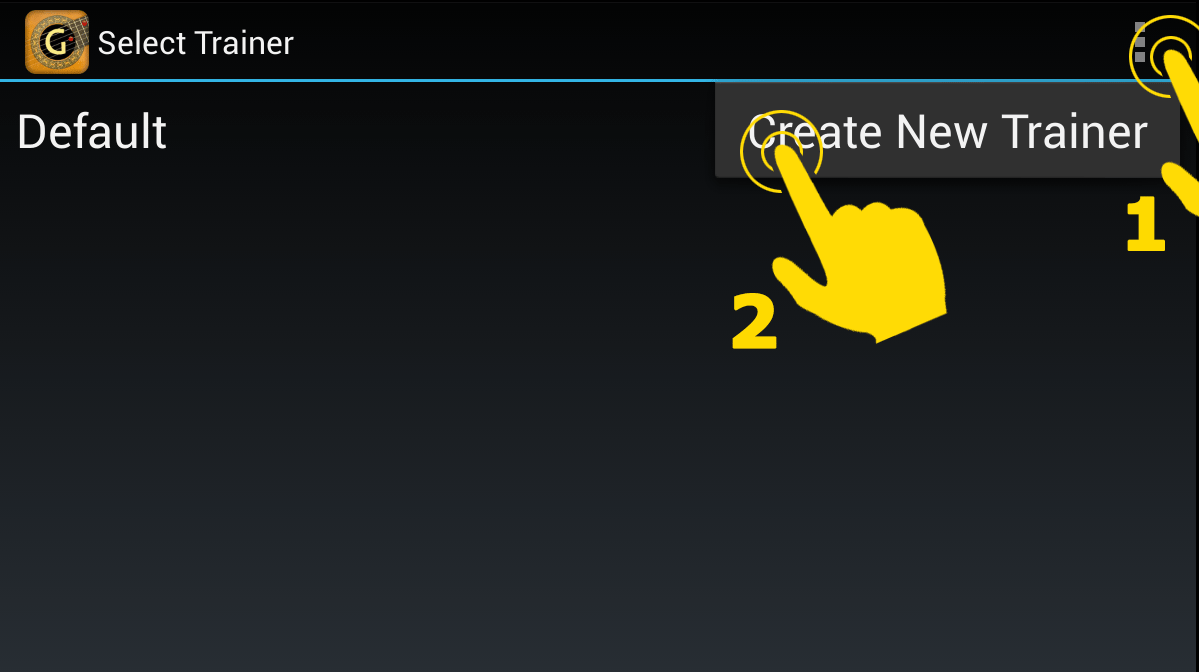
1. Click on the settings button.
2. Select the option for creating a new trainer profile.
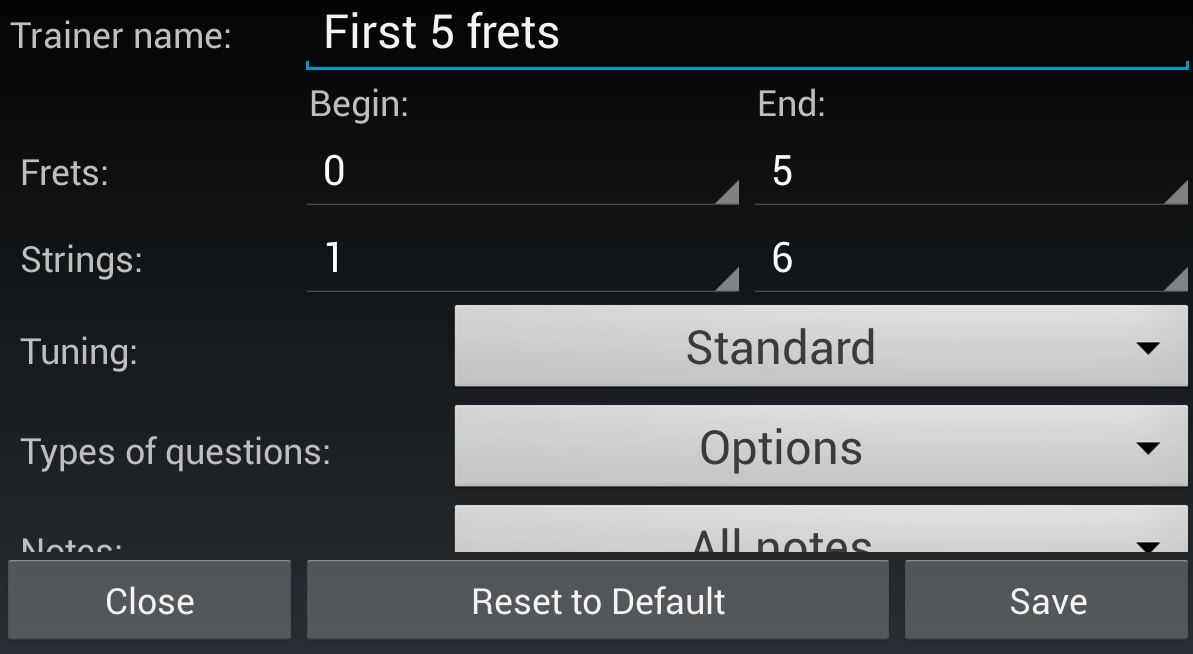
Edit and save data of the trainer profile.
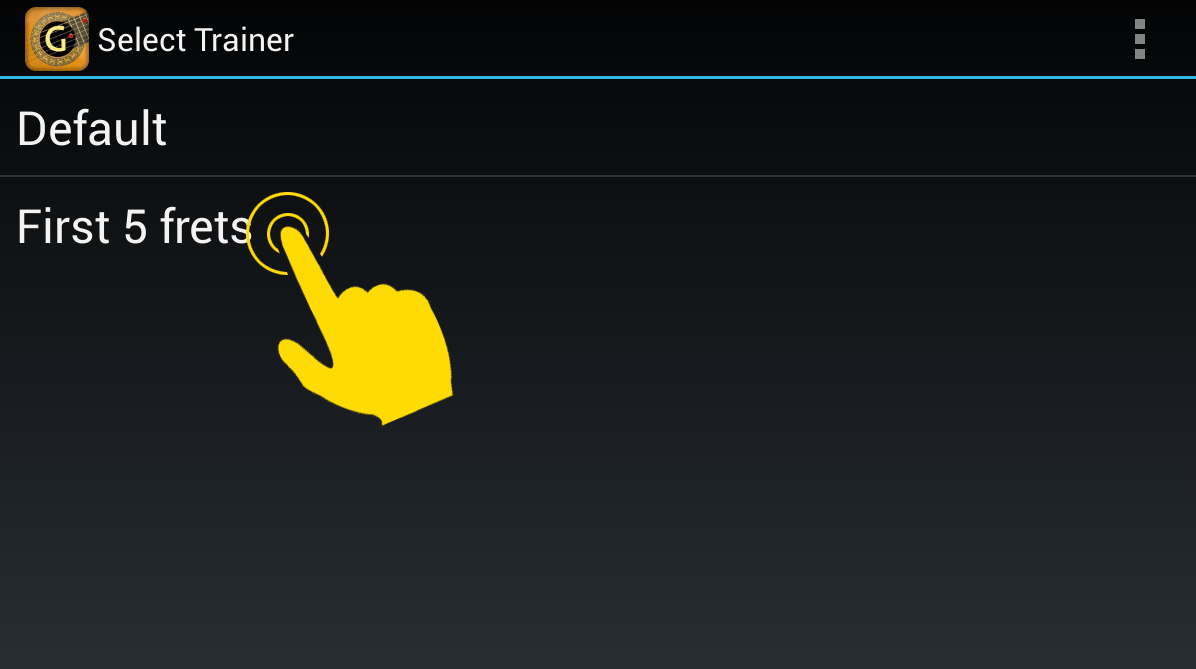
The new trainer profile will appear in the list. Click on an element from the list to select that trainer profile.